Nut and Bolt Generator
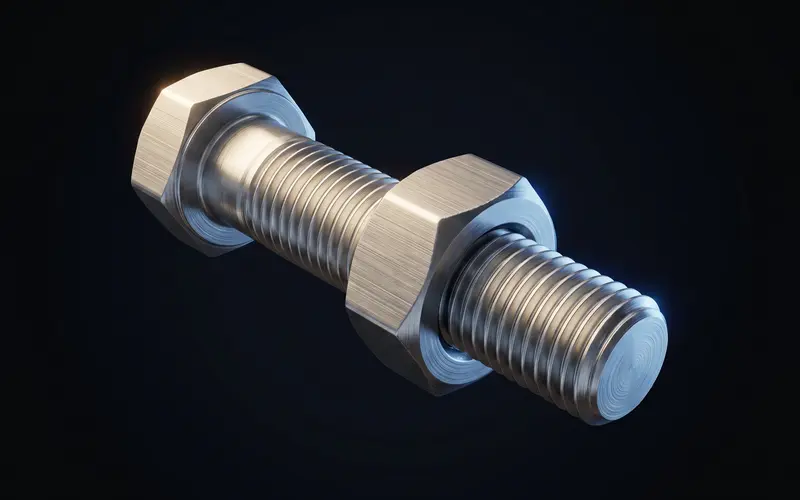
The nut and bolt generator groups a screw, matching nut and optional washer around shared dimensions. Choose a metric preset or custom profile, pitch and sizes, select the head and drive, then export individual STL files or a ZIP set. Matching design inputs still require a printed fit check.
Select a complete fastener configuration
Metric presets run from M2 to M20 at the listed sizes, including M2.5. They set nominal diameter, coarse or fine pitch, nut dimensions, washer dimensions and applicable head dimensions. For example, M6 coarse is 6 mm with 1 mm pitch; M8 coarse is 8 mm with 1.25 mm pitch. Custom dimensions are also possible within the editor limits.
Available heads include none, hex, socket, button, pan, cheese and flat. Hex and Torx-style drives are selectable where the geometry permits. Nuts can be hexagonal, square or round. Check recess depth, wall thickness and validation messages after changing options. No knurled head or wing-nut generator is implied by those choices.
Generate the parts you actually need
Choose rod, nut, washer or set. An individual part downloads as STL; the full set downloads as a ZIP containing separate STL files. Inspect each file in the slicer and retain its configuration. The thread generator explains profile, pitch, lead and multiple starts; this page focuses on selecting the fastener parts together.
The rod and nut share profile, pitch, start count and handedness. Rod undersize and nut clearance remain separate adjustments, rather than an automatic promise of fit. The rod undersize default is zero. An 8 mm nominal rod with 0.2 mm undersize models a 7.8 mm major diameter; that is a numeric example rather than a recommended correction for a particular filament.
Test fit and choose the application
Begin with a short matching pair using the intended material, orientation and slicer settings. Record the values, inspect the first layer and seam, and change one adjustment at a time. A preset dimensions the model, not the actual printer. Purchased hardware additionally needs a match of profile, pitch and dimensions.
Printed fasteners can be useful for prototypes and hand-operated fixtures, but the page does not rate their strength or compare them numerically with steel. The weakest element may be a printed head, thread or mating part. Follow the thread printing guide for process checks. An enclosure from the box generator still needs its own fastening features designed; they are not added automatically.
Frequently asked questions
Which metric presets are available?
M2, M2.5, M3, M4, M5, M6, M8, M10, M12, M14, M16 and M20 are listed, with coarse and fine-pitch values. Custom dimensions are also possible. A preset does not certify a printed fastener to a tolerance or strength class.
Will the printed nut and bolt fit straight away?
Shared thread settings establish matching nominal geometry, not a guaranteed printed fit. Check the rod undersize and separate nut clearance, then print a short test pair using the intended process.
How strong is a printed M8 bolt?
No tested load value or fraction of a steel-bolt rating is provided here. Material, print orientation, geometry, engagement and environment matter. A working hand fit is not a structural test.
Can I print a nut for a steel bolt?
Match its actual profile, diameter, pitch and handedness, then test the printed nut. Set nut clearance deliberately. Steel hardware also has manufacturing tolerances.