Thread Generator
The thread generator creates screws, threaded rods, nuts and washers with adjustable diameter, pitch and fit settings. It supports triangular, trapezoidal, Acme, buttress and square profiles, plus one to six starts. Export a part as STL or a set as ZIP, and print a short test pair before the full part.
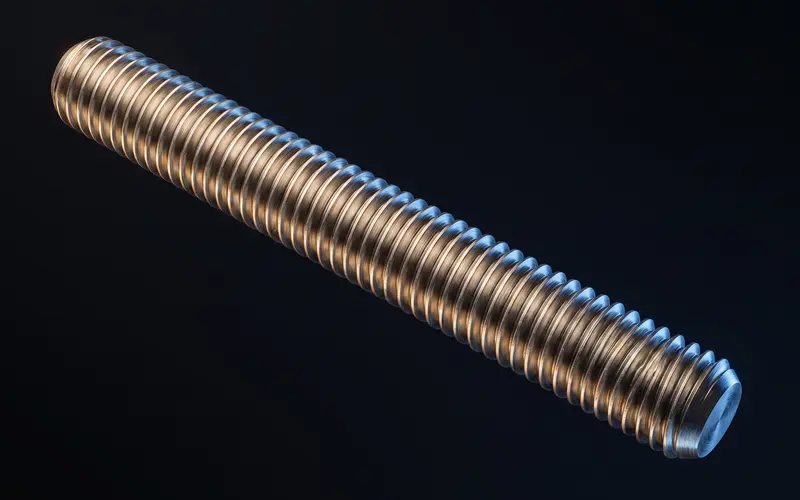
Choose the profile and actual dimensions
The triangular profile uses a 60 degree included angle; trapezoidal uses 30 degrees and Acme uses 29 degrees. Buttress and square options are also present. The metric preset table includes M2, M2.5, M3, M4, M5, M6, M8, M10, M12, M14, M16 and M20. Presets provide matching diameter, pitch and fastener dimensions, but the editor also accepts custom inputs. A selectable profile is not a certification to a manufactured thread tolerance class.
For example, the M8 coarse preset uses 8 mm nominal diameter and 1.25 mm pitch; its fine option uses 1 mm pitch. Fine-pitch options are present for the listed presets, including sizes below M8. Check all fields after selecting a template or changing the profile. An Acme profile does not mean a full UNC/UNF or imperial hardware preset catalog is available.
Pitch, starts and lead are different
Pitch is the axial spacing between adjacent thread ridges. Lead is axial advance per revolution, calculated here as pitch × starts. At 2 mm pitch, a single-start thread advances 2 mm per turn; a three-start thread advances 6 mm. The editor supports one to six starts and either handedness. The mating nut must use the same profile, pitch, starts and handedness.
A greater lead changes the mechanism; it does not guarantee load holding, easy release or a particular efficiency. Match the geometry and application instead of selecting multiple starts solely for speed. The thread printing guide explains orientation, fit and a short test-pair workflow.
Tune the fit without double correction
Rod undersize reduces its modeled major diameter: an 8 mm nominal rod with 0.2 mm undersize has a 7.8 mm modeled major diameter before other profile details. This is an input example, not a material-specific print recommendation. The default rod undersize is zero. The nut has a separate clearance setting, so record both and change one variable at a time.
Print a short rod and matching nut with the process intended for the final part. Inspect seams, thread starts and first-layer deformation before changing dimensions. Use the actual result to tune the fit; one global clearance cannot guarantee assembly on every printer. The nut-and-bolt workflow groups heads, nut and washer selection; the screw tool exposes the full editor.
Frequently asked questions
Which profiles and start counts are supported?
Triangular 60 degree, trapezoidal 30 degree, Acme 29 degree, buttress and square profiles are available. Start count is an integer from one to six. Both partners must use matching profile, pitch, starts and handedness.
Why does my printed rod not fit the nut?
Inspect dimensions, starts, handedness, seam and first-layer deformation. Rod undersize and nut clearance are separate settings. Record both, change one at a time and test a short pair; there is no guaranteed material-specific allowance.
What does a blunt thread start do?
It changes the end treatment and run-in of the modeled rod. Inspect the selected top, bottom or both-end treatment in the preview and slicer. It does not guarantee that a mismatched nut cannot cross-thread.
Are trapezoidal, Acme or imperial threads available?
Trapezoidal and Acme profiles already exist. Dimensions are entered in millimeters; the metric preset list is not a complete imperial UNC/UNF catalog. Match all required dimensions explicitly rather than assuming an Acme selection matches a purchased part.
How much load can a printed thread carry?
This page provides no rated load or fraction of steel-bolt strength. Material, orientation, geometry, engagement, temperature and manufacturing quality affect performance. A fitting test pair does not establish a safe working load.