Gear Generator for Fusion 360
Fusion 360 ships gear scripts, but they are buried in the Add-ins menu and stop at plain spur gears. This free gear generator covers spur, helical, herringbone, internal, rack and bevel types in the browser, exports watertight STL, and drops into Fusion 360 as a mesh body ready for fit checks and printing.
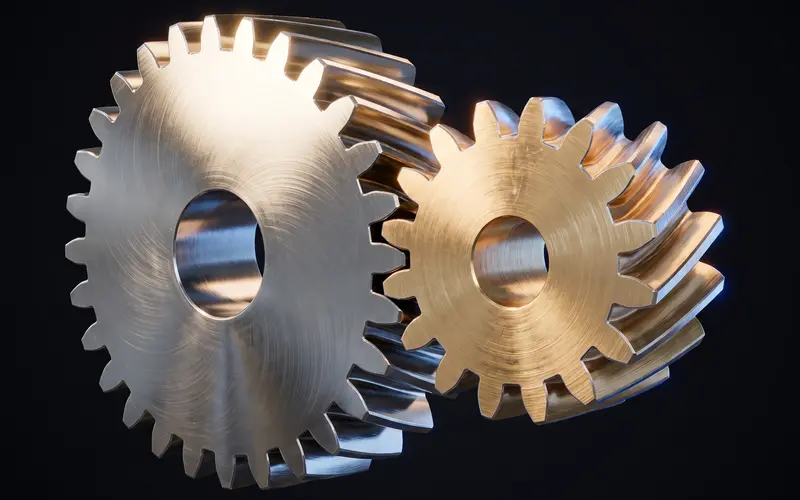
The fastest gear path for Fusion 360 users
A gear generator for Fusion 360 workflows produces finished involute geometry outside CAD, so the slow part of gear design, constructing correct tooth flanks, never touches your timeline or bloats its feature history. The bundled SpurGear add-in handles simple cases; the moment you need a helix, a herringbone, an internal ring or a bevel pair, you are scripting or buying plugins. Here you set module from 0.5 to 10 mm, tooth count, pressure angle, profile shift, bore and type, watch the 3D preview update in real time, and download the mesh in seconds. For parts that end up on a printer, that STL is already the final format, so importing into Fusion is only necessary when the gear must meet other parts in an assembly, and even then the mesh works fine for interference checks without ever entering the timeline.
Insert the mesh into Fusion 360
In the Design workspace, choose Insert, then Insert Mesh, and pick the downloaded STL. Fusion places the mesh with move handles for position and scale; our exports are in millimeters, so keep the unit setting at millimeter and scale at one. The inserted mesh body works for visual fit checks, interference eyeballing and as a printing master. Joint origins can reference its faces for approximate positioning in assemblies.
Fusion can convert meshes to solids via the Mesh workspace's Convert Mesh tool. Be honest with your expectations: a gear's thousands of facets convert to a faceted BRep, not a smooth parametric solid, and very fine meshes can make the conversion slow. For measurement and boolean cuts it works; for pretty native geometry it is not the tool. If the gear needs to be herringbone for backlash and space reasons, generate it directly from the herringbone gear generator rather than approximating it with Fusion primitives.
Do you even need the CAD step?
If the gear exists to be printed, often not: slice the STL directly and reserve Fusion for the parts around it. Model the housing with a cylindrical placeholder at the gear's tip diameter, shown live in this generator, plus half a millimeter of clearance, and let the printed gear meet the printed housing in reality rather than in the browser. That workflow keeps the timeline clean and sidesteps mesh conversion entirely. New to module and pressure angle as terms? The gear module guide explains what each parameter controls before you commit to numbers.
Frequently asked questions
Can I edit the gear STL in Fusion 360?
You can move, scale, section and convert it to a faceted BRep for boolean operations. You cannot edit it parametrically; to change tooth count or module, regenerate here in seconds and re-insert.
Why not just use Fusion's SpurGear add-in?
Use it for quick spur gears if it covers your case. This generator adds helical, herringbone, internal, rack and bevel types, profile shift, and printable bores, without scripts, and exports meshes tuned for printing.
My inserted mesh is tiny or huge. What happened?
A unit mismatch. Our STLs are millimeter-scaled; in the Insert Mesh dialog set the unit type to millimeter and leave scale at 1, and the gear arrives at true size.
Does Convert Mesh give me a clean solid?
It gives a faceted solid: every mesh triangle becomes a face. That is fine for cuts and measurements, heavy for large tooth counts, and never as clean as native geometry. For a parametric gear, rebuild from the displayed parameters instead.
Related generators
Gear Generator for SolidWorks
Generate involute gears free and import them into SolidWorks as solid bodies.
OpenGear Generator for Onshape
Generate involute gears free for Onshape projects: import STL meshes into documents, plus honest guidance on when a featurescript fits better.
OpenHelical Gear Generator
Generate helical gears as STL files with live 3D preview.
Open