Gear Generator for Onshape
Onshape runs in the browser, and so does this gear generator, which makes the pairing natural: generate an involute gear with module, teeth and pressure angle here, download the STL, and import it into your Onshape document for fit checks, assemblies and printing, all without installing anything.
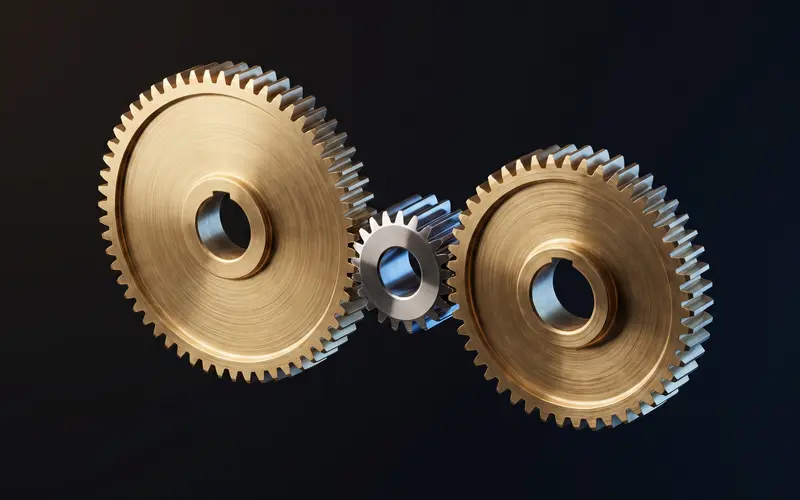
Two browser tools, one workflow
A gear generator for Onshape workflows supplies finished tooth geometry so your document stays focused on the parts you actually design, not on regenerating an involute curve every time a teammate opens the tab. Onshape's community offers gear FeatureScripts, and good ones, but they live inside each document, produce geometry your feature list must then carry, and the popular ones focus on spur gears at a single pressure angle. This generator adds helical, herringbone, internal rings, racks and bevel pairs across pressure angles from 14.5 to 25 degrees, shows the pitch, tip and root diameters live for your layout sketches, and hands you a watertight millimeter-scale STL in one download. For printed gears the STL is the finished article; Onshape gets involved for the assembly around it, mating the mesh like any other part.
Import the STL into an Onshape document
In your document's tab bar, use the plus button to import a file and upload the downloaded STL. Onshape stores it as a mesh tab; insert it into a Part Studio or straight into an assembly. Mesh parts can be mated with fastened and revolute mates via their geometry, measured approximately, and included in exports. Onshape treats meshes as reference geometry rather than editable solids, which for a generated gear is exactly the role you want: the gear is done, the design work happens around it.
Keep the import unit at millimeters; the gear then arrives at true size with no scaling step.
Version management comes free with Onshape's document history: each imported gear revision is a tracked upload, so a design review can point at exactly which tooth count was in the assembly last Tuesday. Name the uploads by their parameters, m2-z20-spur for example, and the tab bar becomes its own gear log. For a spur gear specifically, the spur gear generator page covers the same parameters with worked examples you can check your Onshape sketch against.
When is a FeatureScript the better choice?
When the gear itself is a design variable inside a parametric model, for example a gearbox study where tooth counts sweep during design reviews, a FeatureScript keeps everything in one regeneration chain and wins. When the gear is a known quantity heading for a printer, the generator wins on speed and type coverage. Many Onshape users run both: FeatureScript spur gears during layout, generated STLs for the printed reality check. The gear module guide is a good primer either way, since module and pitch diameter mean the same thing in a FeatureScript variable as they do in this generator's parameter panel.
Frequently asked questions
Can I edit the gear mesh inside Onshape?
Onshape imports STLs as mesh reference geometry: you can mate, measure and export it, but not edit its shape parametrically. Changing the gear means regenerating here and re-importing, which takes under a minute.
Does the gear work in Onshape assemblies?
Yes. Insert the mesh into an assembly and mate it like any part; a revolute mate on the bore axis lets it spin. Interference detection works against its faceted surface.
Which numbers do I need for my layout sketch?
The generator displays pitch, tip and root diameters live. Sketch circles at pitch diameter for gear spacing, since two meshing gears sit at the sum of their pitch radii, and use the tip diameter for housing clearance.
Is there a native STEP export for Onshape?
Not yet from this generator; STEP is on the roadmap. Onshape's mesh handling is solid enough that the STL path covers assemblies and printing today.
Related generators
Gear Generator for Fusion 360
Generate involute gears free and insert them into Fusion 360 as meshes, with honest notes on mesh-to-solid conversion.
OpenGear Generator for SolidWorks
Generate involute gears free and import them into SolidWorks as solid bodies.
OpenSpur Gear Generator
Generate custom spur gears as STL files in seconds.
Open